
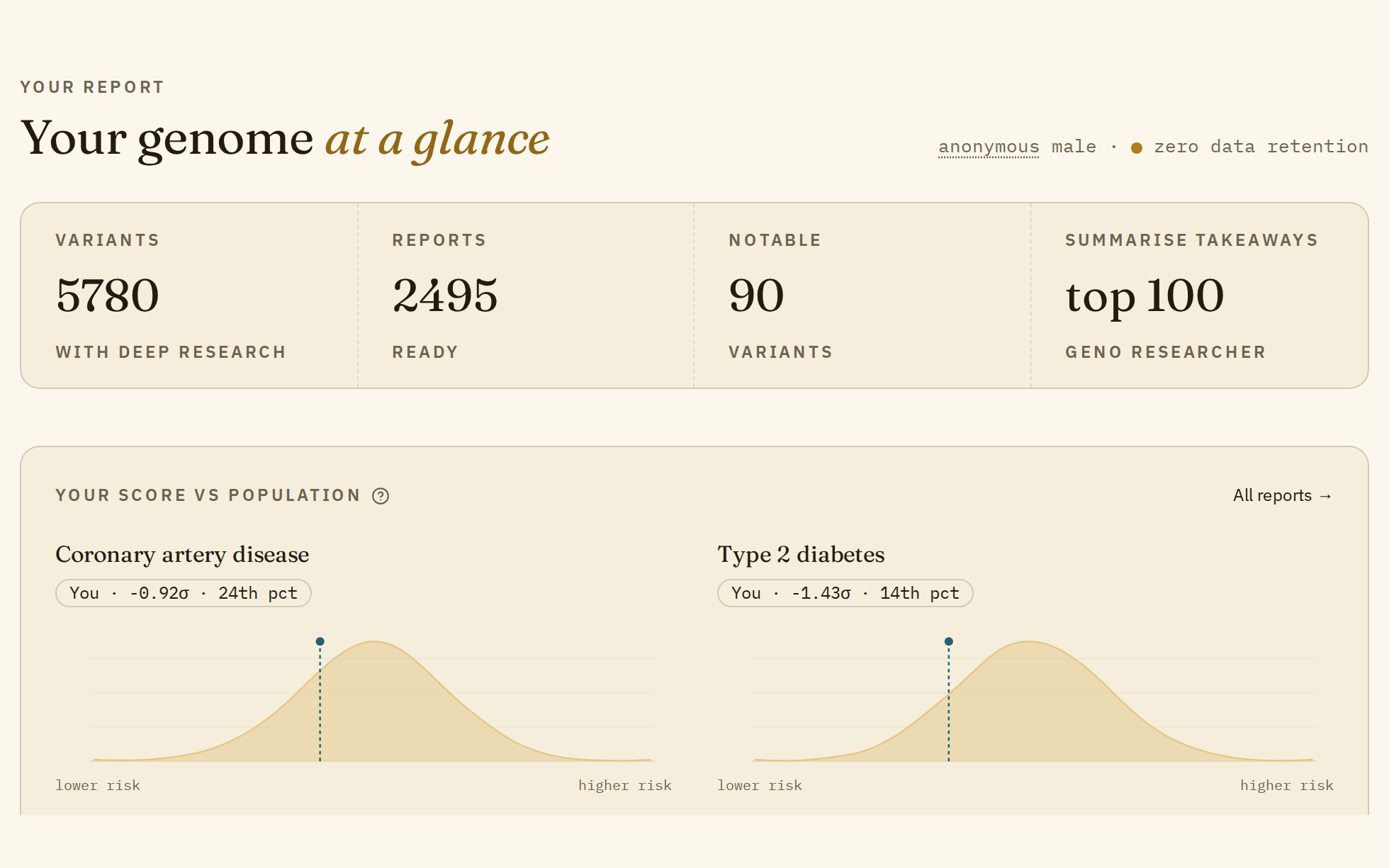
Once your raw DNA file is processed, you land on the dashboard. This guide goes through everything you can open from there, with links to the longer guides on each part.
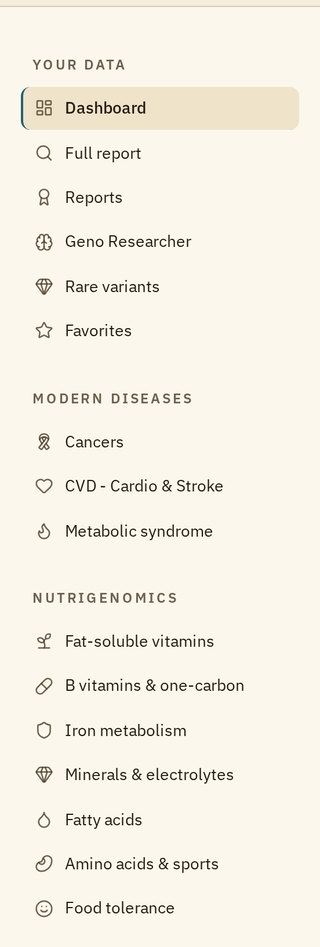
Everything is in the menu on the left. On a phone, open it with the menu button at the top left.
The dashboard
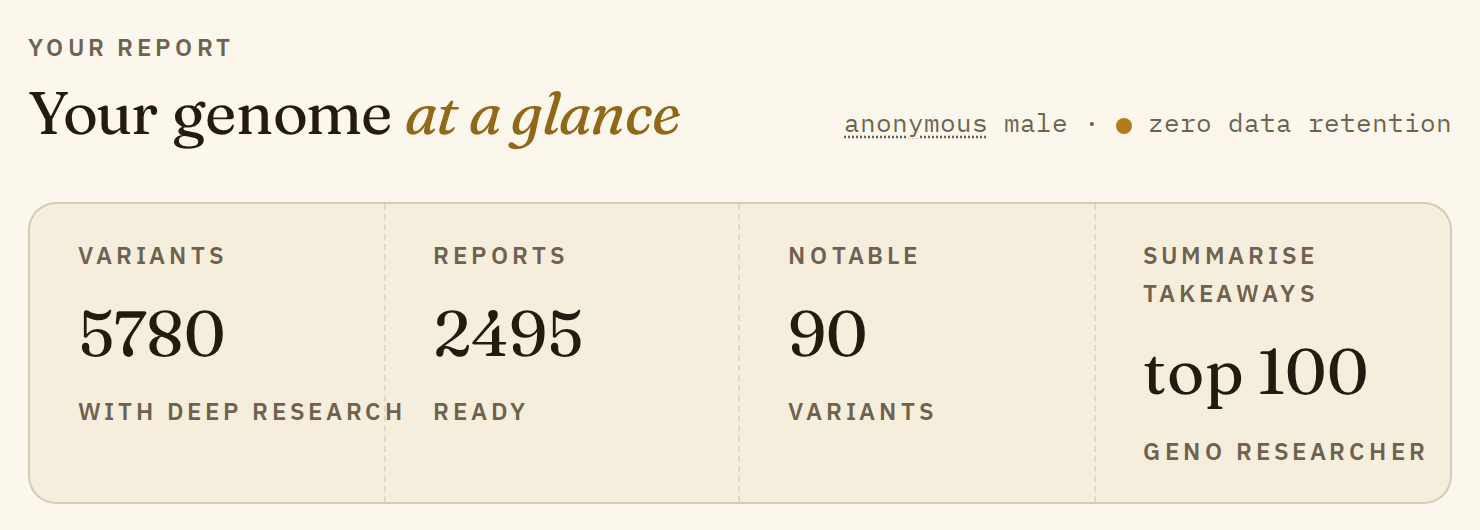
The four tiles at the top are shortcuts:
- Variants with deep research opens the full report: every variant in your report that has a summary.
- Reports ready opens the list of your reports.
- Notable variants opens the full report showing only the variants with an impact score above 1.5.
- Summarise takeaways opens Geno Researcher with a question about your 100 highest-impact variants, ready to send.
Below them, "Your score vs population" compares your score with the population for some of the most common conditions, and three lists give you places to start: well-studied variants many people look at first, popular reports, and the reports your genetics push most above or below average.
Next to the title, click "anonymous" to see what we keep after you log out: an irreversible cryptographic hash of your raw DNA file.
The full report
It lists every variant in your report, and you can search it by condition, trait, drug, gene or rsID, and filter it by how common your genotype is and by its impact. The 15 categories in the left menu open the same list narrowed to one area, like Metabolic or Vision.
Searching the full report shows how to use it, and Variant geno card explained walks through a single variant.
Reports
A report covers one trait or condition, such as omega-3 levels or body height. It adds up the effects of every variant studies have linked to it into one polygenic score, and compares it with the scores of the tested population.
Open them from "Reports" in the menu, or from the two groups of reports in the menu:
- Modern diseases: cancers, heart disease and stroke, and metabolic syndrome, the main causes of death today.
- Nutrigenomics: vitamins, iron, minerals, fatty acids, amino acids and food tolerance, each next to the lab test that measures the same thing.
Understanding your reports explains every part of a report page.
Geno Researcher
An AI assistant that answers questions about your own report, and can relate a lab test or a doctor's letter you attach to it. It's included when you unlock all your reports. Geno Researcher: what it is and how to use it has the details and a real example.
Rare variants
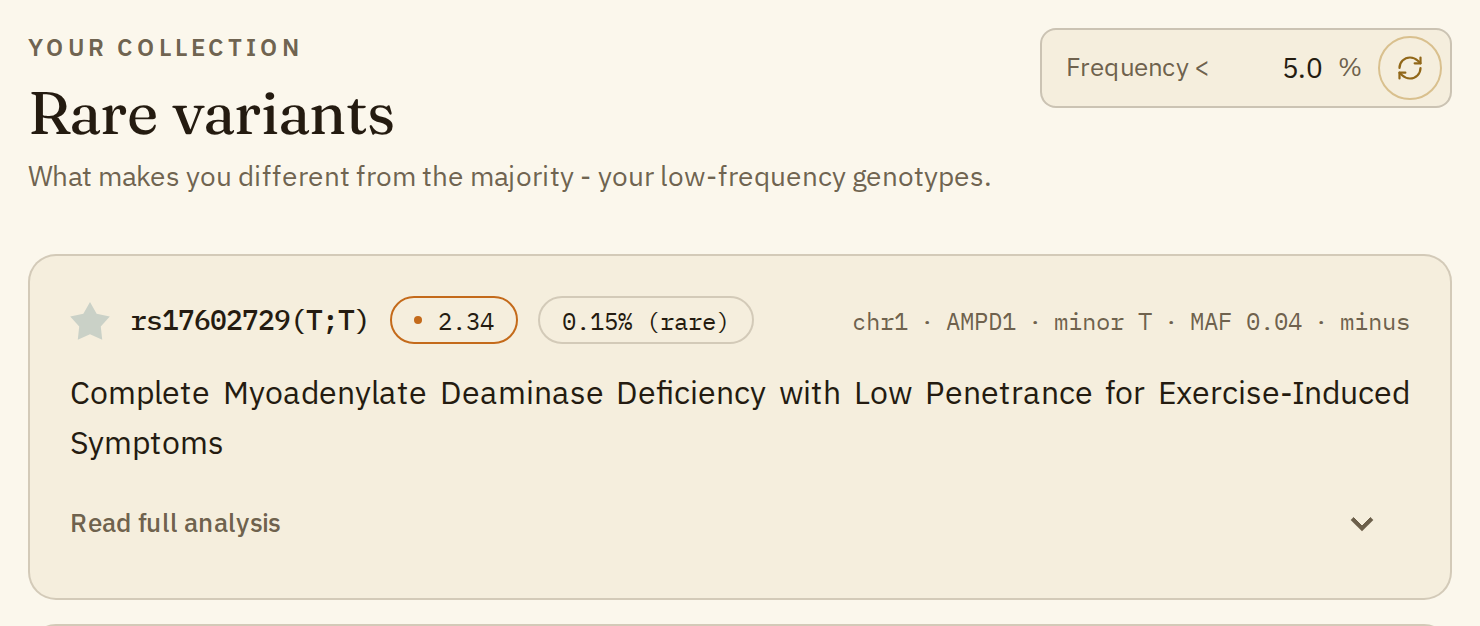
This page lists only your uncommon genotypes, the ones that make you different from most people. By default it shows the genotypes fewer than 5% of people carry; type another number in the "Frequency <" box to change that. The ones with the highest impact come first.
It's often the most interesting page in a report: rare variants are often the most worth understanding, simply because fewer people carry them. Two things to keep in mind, though. Rare doesn't mean harmful: many rare genotypes have no effect at all. And consumer DNA chips often misread rare variants, so a clinical test is the way to confirm one before acting on it.
Favorites
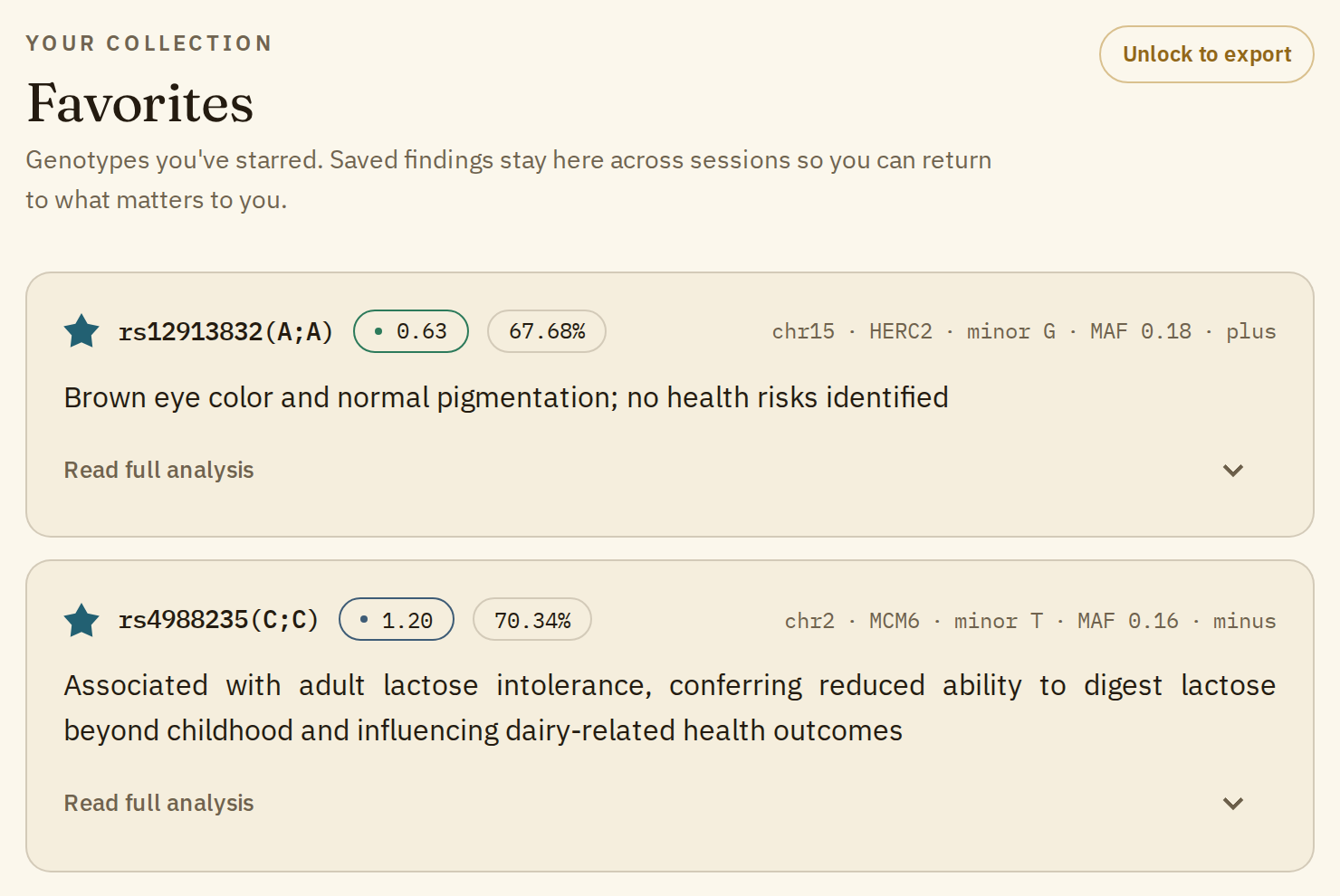
Click the star on any variant card to save it. The Favorites page keeps them across sessions, so you can come back to the findings that matter to you. With all your reports unlocked, "Save as PDF" on that page saves them to a PDF you can keep or take to your doctor.
Advantage
Under "Misc" in the menu, Advantage shows the ten places where your score is furthest from the population average, whatever the trait. Read them as a set: together they give a rough picture of how far your genome is from average, not a verdict on any one condition.
One more thing
Think of your report as an interesting starting point for a conversation with a qualified clinician. It's not medical advice. This is data assembled and summarized by AI from public scientific sources. It may contain errors despite our automatic checks and manual reviews, which are ongoing given how much content there is.